Your Jellyfin library, as a video store
Browse the movies and TV shows on your Jellyfin server in your own video store.
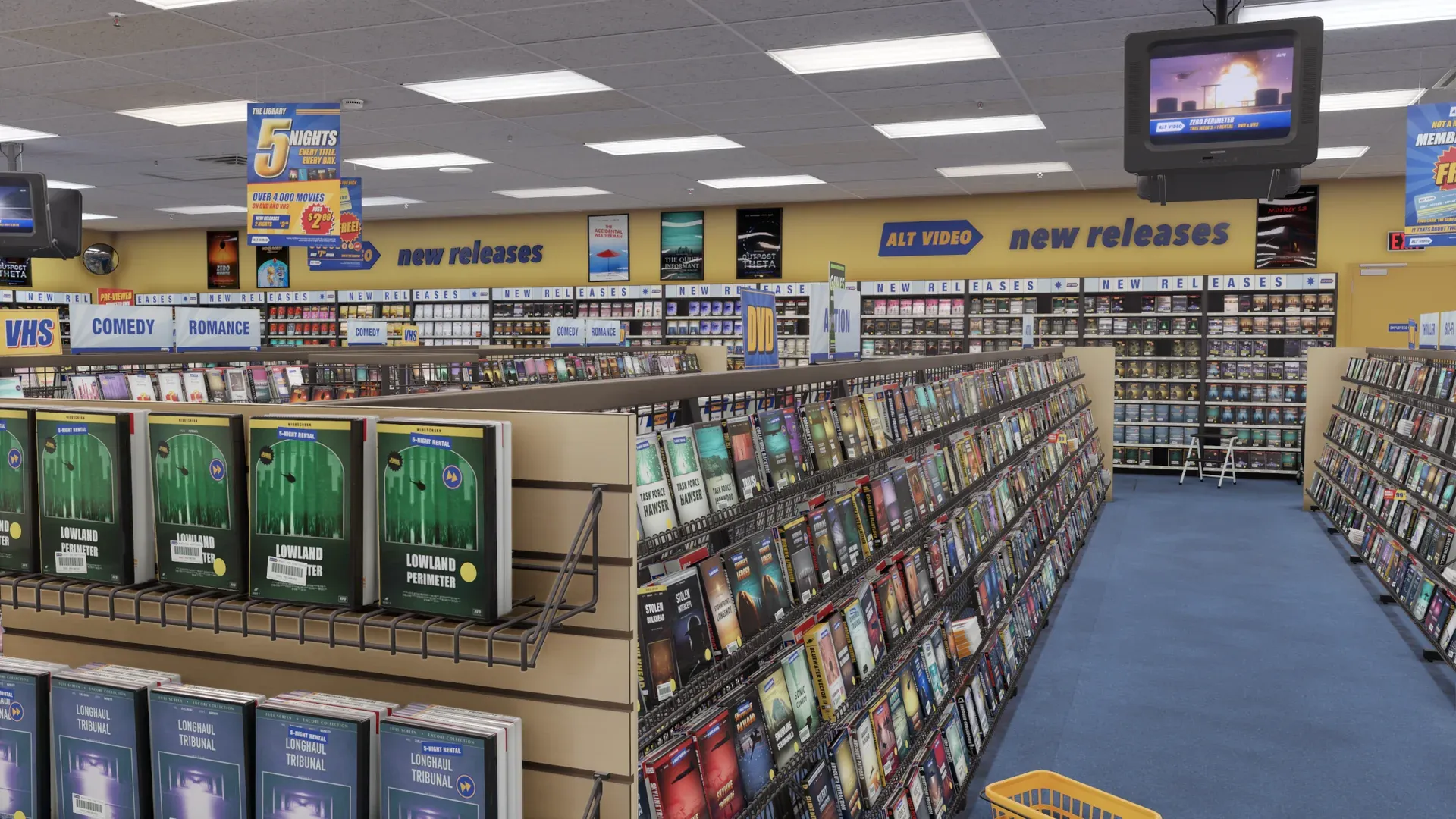
Wishlist on SteamAlt Video is a video store you walk around in, stocked with your own movies, shows and games. It is in development for Steam, for desktop and VR.
What Comes Across
- Your server, found on your network when possible
- Or enter your server address
- Your movies and TV shows on the shelves
- Watch in the viewing room
The Fine Print
- Quick Connect is available if your server supports it and has it enabled.
- Otherwise, sign in with your Jellyfin user account.
- User permissions apply.
- Some file formats may not be supported.
Here’s How It Works
- Walk into your store.
- Select “Bring movies & TV,” then select Jellyfin.
- Enter your Quick Connect code, or sign in.
On the Case:
- ON MY SERVER
- [WATCH HERE]
- [OPEN IN MY PLAYER]
- [SAVE FOR TONIGHT]
Questions
Got a question about using Jellyfin with ALT VIDEO? We’ve got answers.
- Do I need Quick Connect?
- No. You can also sign in with your Jellyfin user account.
- Does ALT VIDEO host my files?
- No. ALT VIDEO reads your library and plays your movies and shows from your own server.
Want to Walk Through Your Own Store?
Alt Video
Coming soon to Steam.
All product names are trademarks of their respective owners. ALT VIDEO is not affiliated with or endorsed by them.