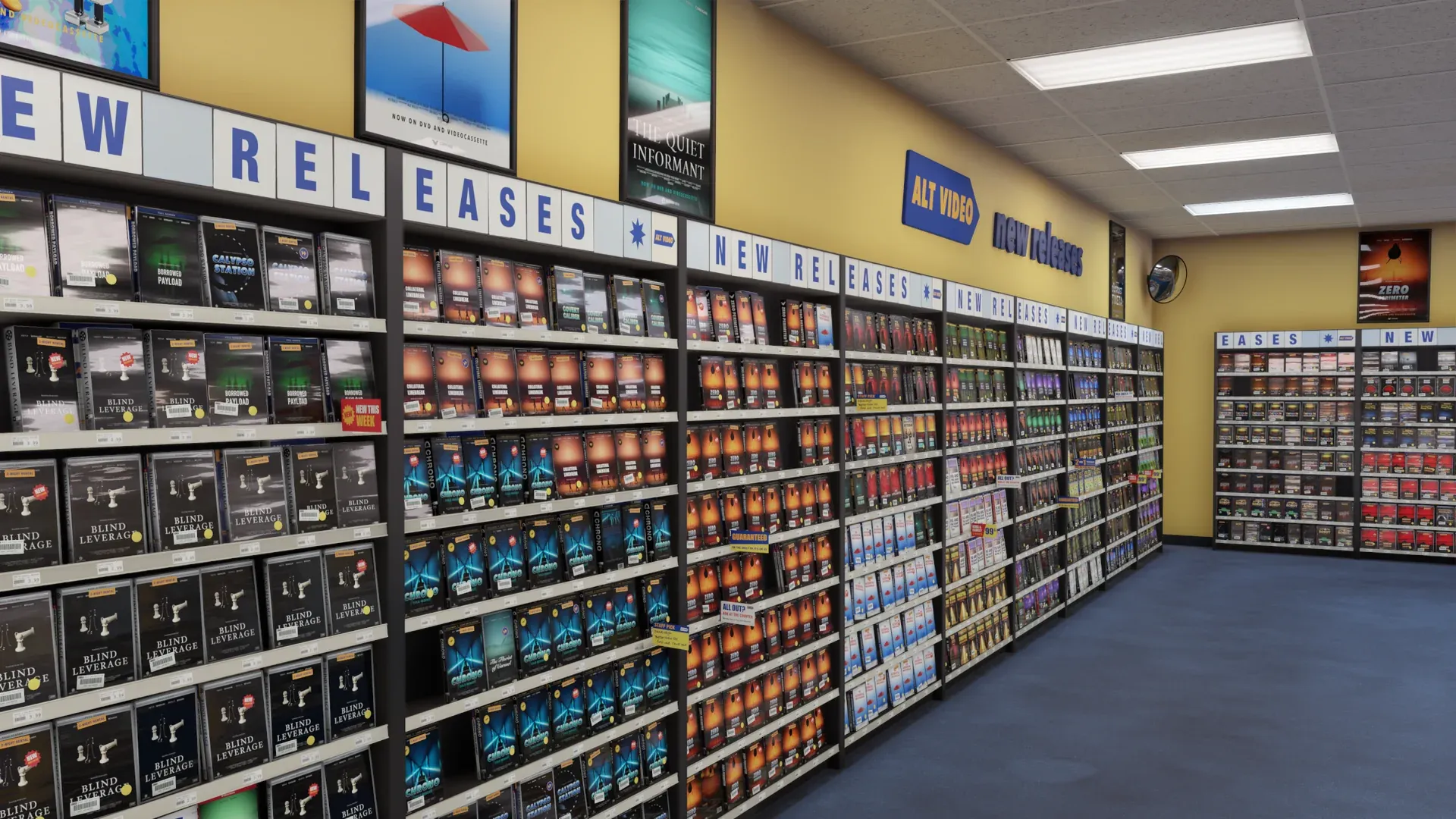
Alt Video is a video store you walk around in, stocked with your own movies, shows and games. It is in development for Steam, for desktop and VR.
What Comes Across
- The movie and TV libraries you select
- Covers, versions and watch history on every case
- Watch in the viewing room
- Or open the title in your own player
The Fine Print
- Sign in through Plex. You do not need to copy a token.
- Your Plex server must be reachable.
- Server profile restrictions apply.
- Plex playback requirements apply.
- If your server is offline, your shelves are saved. Playback is unavailable until the server is back online.
Here’s How It Works
- Walk into your store.
- Select “Bring movies & TV,” then select Plex.
- Choose the libraries you want on your shelves.
On the Case:
- ON MY SERVER
- [WATCH HERE]
- [OPEN IN MY PLAYER]
- [SAVE FOR TONIGHT]
Questions
Got a question about using Plex with ALT VIDEO? We’ve got answers.
- Does ALT VIDEO host or stream my files?
- No. Your movies and shows play from your own Plex server.
- Do I need to find a Plex token?
- No. You simply sign in through Plex.
- What happens when my server is offline?
- Your shelves are saved. Playback is unavailable until your server is back online.
Want to Walk Through Your Own Store?
Alt Video
Coming soon to Steam.
All product names are trademarks of their respective owners. ALT VIDEO is not affiliated with or endorsed by them.