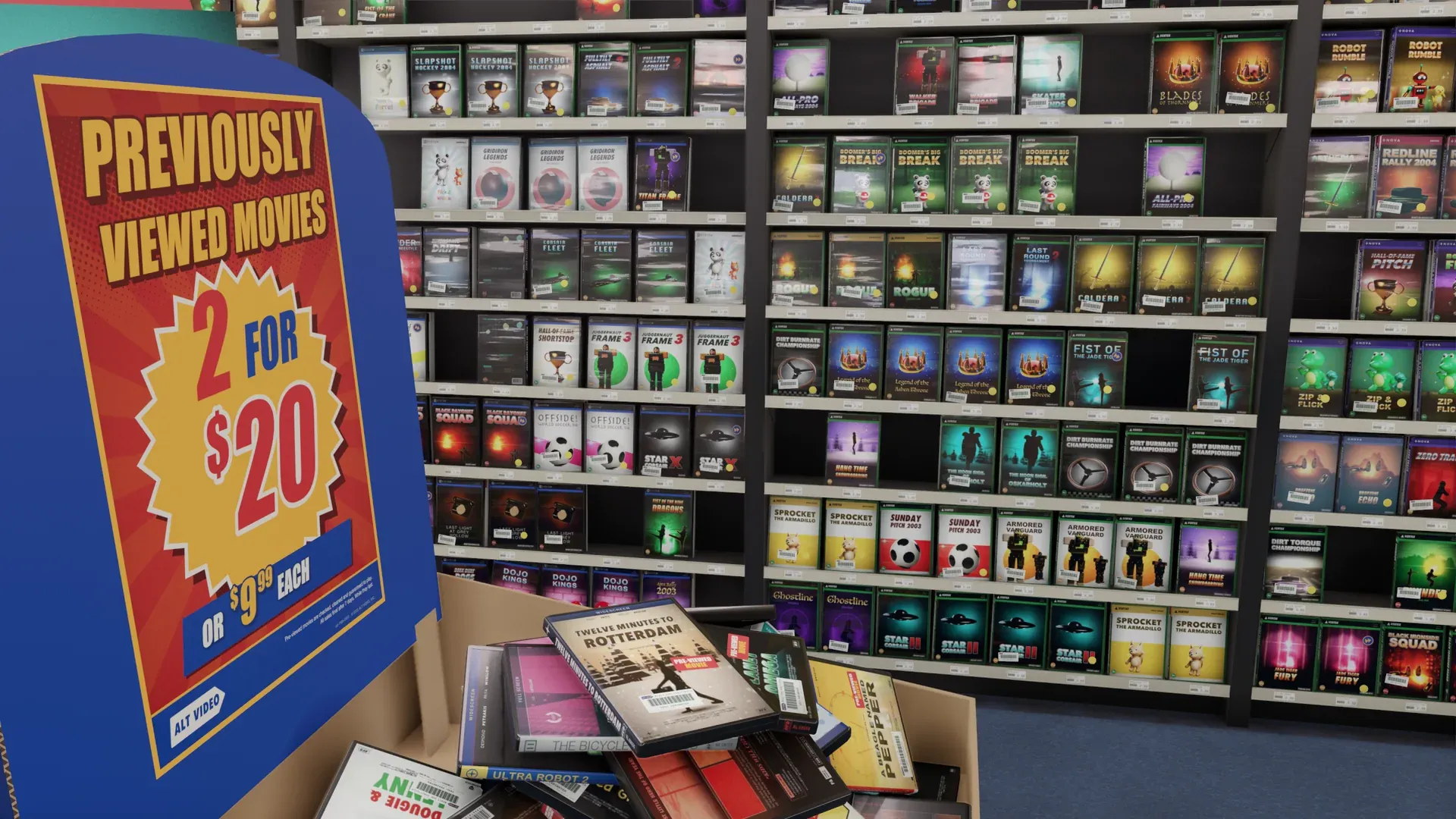
Turn your Steam library into a game store
Put your Steam games on the shelves of your own video store.
Wishlist on SteamAlt Video is a video store you walk around in, stocked with your own movies, shows and games. It is in development for Steam, for desktop and VR.
What Comes Across
- Your owned games, boxed and on the shelves
- The games installed on this PC
- Launch a game from its case
- Playable Tonight: three games to choose from. It tells you when a game needs to be installed.
- Your Steam account is your membership card
The Fine Print
- No additional login required. ALT VIDEO uses the Steam account you are signed in to.
- If your full game list is not available, you can add the games installed on your computer or import a list.
- No changes to your privacy settings are required.
Here’s How It Works
- Walk into your store.
- Select “Start with my Steam games.”
- Pick up a case to check it out.
On the Case:
- ON THIS PC
- IN MY STEAM LIBRARY
- [PLAY ON THIS COMPUTER]
- [LAUNCH VR GAME]
- [SAVE FOR TONIGHT]
Questions
Got a question about using Steam with ALT VIDEO? We’ve got answers.
- Do I need to create an account?
- No. ALT VIDEO uses your Steam account as your membership card.
- My Steam profile is private. Can I still use ALT VIDEO?
- Yes. You can add the games installed on your computer, or import a list.
- Does ALT VIDEO replace my Steam library?
- No. ALT VIDEO launches the same games you already own on Steam.
Want to Walk Through Your Own Store?
Alt Video
Coming soon to Steam.
All product names are trademarks of their respective owners. ALT VIDEO is not affiliated with or endorsed by them.