Your First Movie Server
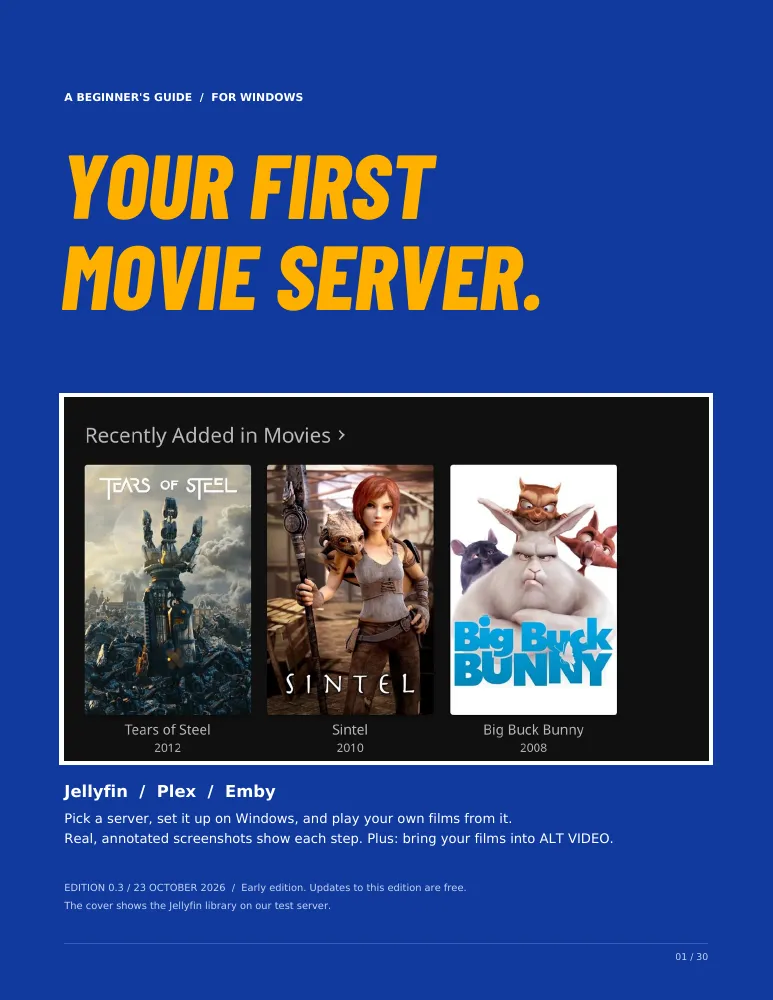
Want your own movies in one place, with posters, playing whenever you like? Should you use Jellyfin, Plex or Emby, and how do you set it up? This beginner’s guide answers both. It takes you from a few video files on a Windows PC to your own movie server, with a check at every step so you know it worked before you move on. Every picture is a real screenshot, and the setup screens are marked with numbers that match the steps.
You need a Windows PC that can stay on while you watch, and three video files you have the right to use. That’s all. A bonus chapter brings your films into ALT VIDEO, the video-store game, for anyone who plays it.
Early edition, by WestonB
$19
PDF, interactive version and Library Check in one download. Edition 0.3, 23 October 2026. 14-day refund, no questions asked.
On sale soon.
What You Get
- A 30-page PDF to read on screen or print.
- An interactive version that opens in your web browser from the same download. It asks which server you chose, shows only your steps, and remembers where you stopped.
- Library Check, the Windows tool that checks your setup for you. It is free for everyone on this site too.
- Free updates to this edition: when we correct it or add the missing pictures, download the new copy from your receipt. A later major edition may be sold separately.
What’s Inside
| Start with three films | What you need, and the path from a few files to your own movie server. |
|---|---|
| Pick the server that fits you | Jellyfin, Plex or Emby, and when to keep the one you have. |
| Put three films in one folder | The naming layout Jellyfin and Emby read correctly in our test, which follows Plex’s naming guide. |
| Install Jellyfin | Five pages of marked screenshots, from download to your first film. |
| Install Emby Server | Five pages of marked screenshots, the same way. |
| Install Plex Media Server | One page, with the steps after the download in words for now. |
| Make sure your films play | Test each film in the browser, so you know the server works before you add apps. |
| Let Library Check look first | How to run the free checker and read what it finds. |
| Look up what you see | The wrong film on your shelf, an empty library, and eight messages with their fixes. |
| Find the first broken link | A five-step chain that finds where it stopped working. |
| Keep it working | Adding the rest of your collection, accounts, backups and updates. |
| Your setup card | One page for your server details, to print or fill in. |
| Bonus: bring your films into ALT VIDEO | Six pages for players of ALT VIDEO, the video-store game: its VCR setup screen for Jellyfin, Emby and Plex. |
Sample Pages

Why It’s an Early Edition
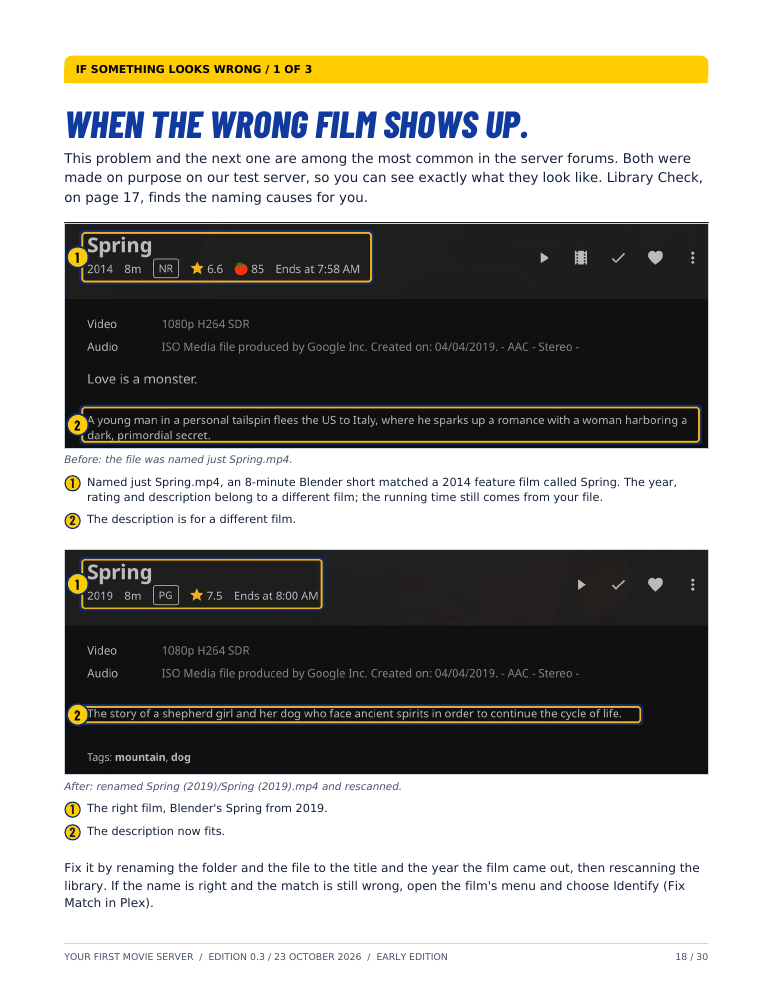
The server pictures were taken on 22 and 23 October 2026 with Jellyfin 12.3 and Emby Server 4.10.2 on our test computer, a Mac. Their setup pages are web pages served by the server, so the steps are the same on Windows, but nobody has yet followed the guide on a Windows PC. The pictures in the ALT VIDEO chapter come from the game’s development build. Jellyfin is the fully pictured route; treat the Plex and Emby chapters as reference routes for now. Here is what isn’t done yet:
- The Plex steps after the download are in words, without pictures.
- Emby’s last screens in the game, where you choose a library, aren’t pictured; that page points to Jellyfin’s, which work the same way.
- The game’s connection steps haven’t been run end to end on its newest build, and some of its pictures come from an earlier one.
- No beginner has followed it from start to finish yet.
- ALT VIDEO isn’t released, and its screens may change before launch.
As we fill these in, your copy updates free. If you’d rather have your money back, ask within 14 days; no questions asked.
What It Doesn’t Cover
- It doesn’t include any films, and it doesn’t cover copying discs.
- It covers one Windows PC on your home network, played in your web browser. Apps on smart TVs and streaming sticks aren’t covered yet, and neither are watching away from home, NAS boxes, Docker or TV series.
- It doesn’t include ALT VIDEO. The game is sold separately on Steam and is still in development; you don’t need it for the rest of the guide.
- It isn’t made or endorsed by Jellyfin, Plex or Emby.
Try the Free Help First
Stuck on one thing? These pages are free, and so is Library Check.
Want to Walk Through Your Own Store?
Alt Video
Coming soon to Steam.